home  /  projects  /  adv-camera
live

adv-camera

A native Linux camera app for the Surface Pro 9. GTK4 + libadwaita + GStreamer on libcamera. Manual focus, manual exposure/ISO, focus peaking, zebra stripes, live histogram, composition grids, digital zoom + pan, video and audio recording, and a tuning panel that reaches all the way down into the libcamera SoftISP YAML and the raw I²C registers on the focus motor.
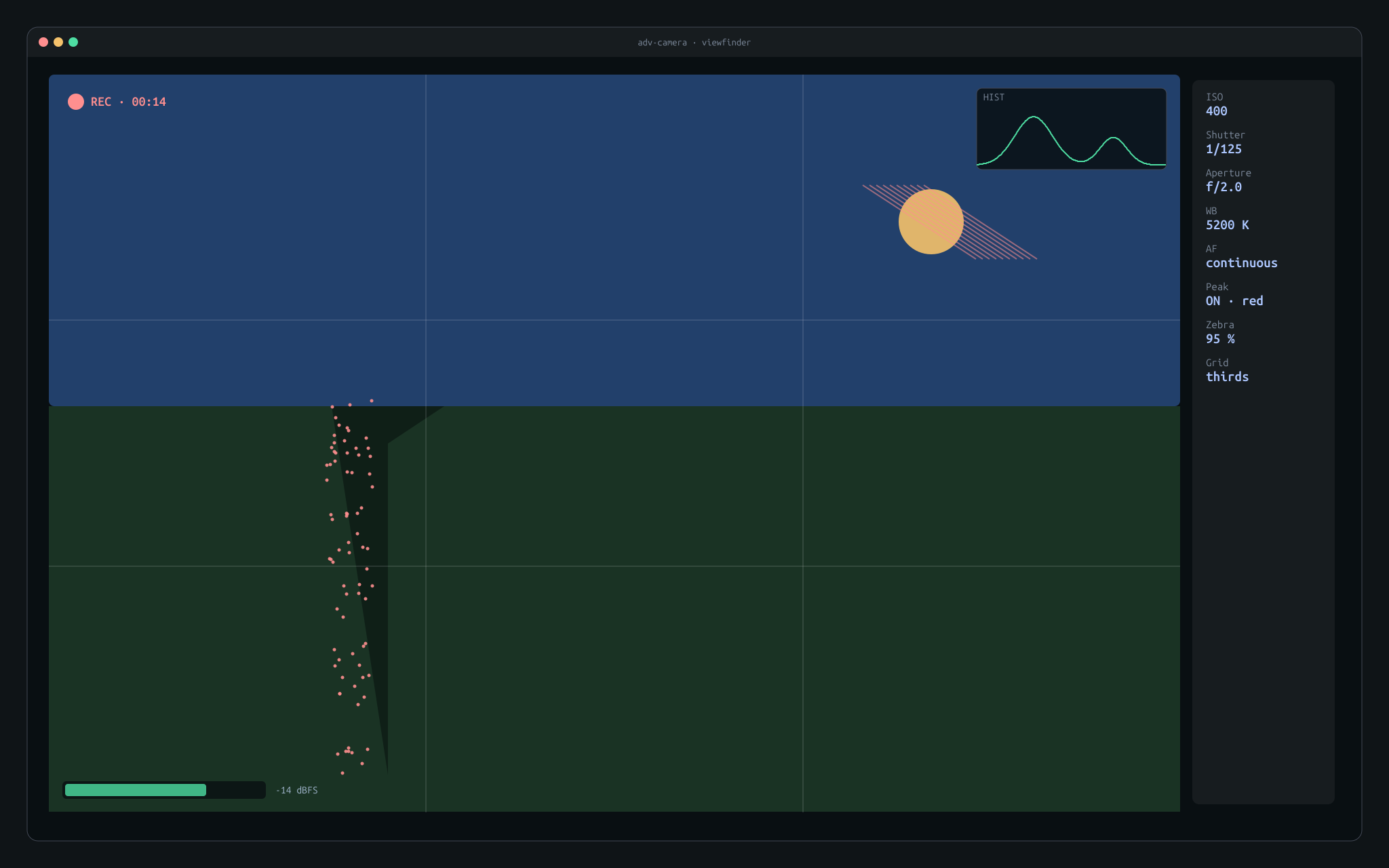
adv-camera viewfinder window with histogram overlay, focus peaking highlights, zebra stripes on highlights, composition grid, and an audio level meter.

Hardware context

Two udev rules are load-bearing: 99-i2c-camera.rules grants access to /dev/i2c-2 so the app can drive the VCM directly, and 99-camera-power.rules keeps the sensor's runtime PM from aggressively suspending the bus between shots.

The tuning journey — "the camera was crappy"

Out of the box on Linux, the Surface Pro 9 camera is present but effectively unusable. Four specific failures had to be overcome, and the way they were overcome is the most interesting part of the project.

1 — no focus

Drive the VCM over I²C, skip V4L2

The DW9800K VCM isn't exposed as a V4L2 subdev control on this kernel. libcamera sees the sensor but there's no slider to drive the lens — every photo is locked at whatever position the VCM powered up at. Solution: talk to it directly over /dev/i2c-2 with smbus2, handle wake-up, SAC mode, 10-bit position writes. This is the whole reason autofocus is possible.

2 — bad exposure

Retuned AGC + algorithm order

The stock SoftISP tuning ships with AGC enabled and parameters that produce blown highlights or muddy shadows on this sensor. Auto exposure "wanders" visibly in the viewfinder. Re-tuned the ov13858.yaml with parameters derived from a rating pass (see below). Usable straight out the gate now.

3 — wrong colors

Black level + AWB pushed right, debayer confirmed visually

Stock config pushed whites green and shadows blue. Debayer order (GRBG) had to be confirmed against visual output — swapping it produces plausible-but-wrong images. The rating loop caught it immediately.

4 — upside-down sensor

180° baked into every pixel path

The back camera is physically mounted 180° rotated inside the chassis. Preview, histogram source, captured JPEG, recorded video — every pixel path handles the flip (videoflip method=rotate-180 in GStreamer for video, an EXIF orientation note on the saved file).

How the tuning got done

Human-authoritative, LLM-automated

Rather than guess-and-check in the camera UI, we built a disposable web app as a tuning jig. A grid of sample photos, one per setting value, with a 0–5 star rating and a free-text notes box. I shot the test grid, rated each image, and jotted notes about what looked wrong ("too green in midtones", "blown at ISO > 400"). The LLM read the ratings + notes, diffed them against the settings, and edited the live tuning — YAML via tuning.py, V4L2 controls via sensor.py, VCM state via focus.py. Re-shoot, re-rate, repeat.

The loop worked because the scoring was human-authoritative and model-automated. I never had to hand-edit YAML. The model never had to decide what "good" looks like. Each side did what it's actually good at.

What ended up in the fix